How to Save Your Facebook Memories and Videos
Facebook has become a repository of personal memories, family moments, and shared experiences spanning many years for billions of users worldwide. From birthday celebrations to life milestones, the platform holds irreplaceable content that deserves protection through proper backup practices. Understanding how to preserve these digital memories ensures they remain accessible regardless of platform changes or account issues.
The Importance of Facebook Memory Preservation
Years of Life Documentation
Many users have accumulated over a decade of memories on Facebook, including photos and videos that may no longer exist elsewhere. These posts document personal growth, relationships, travels, and significant life events that gain sentimental value over time.
Family History Preservation
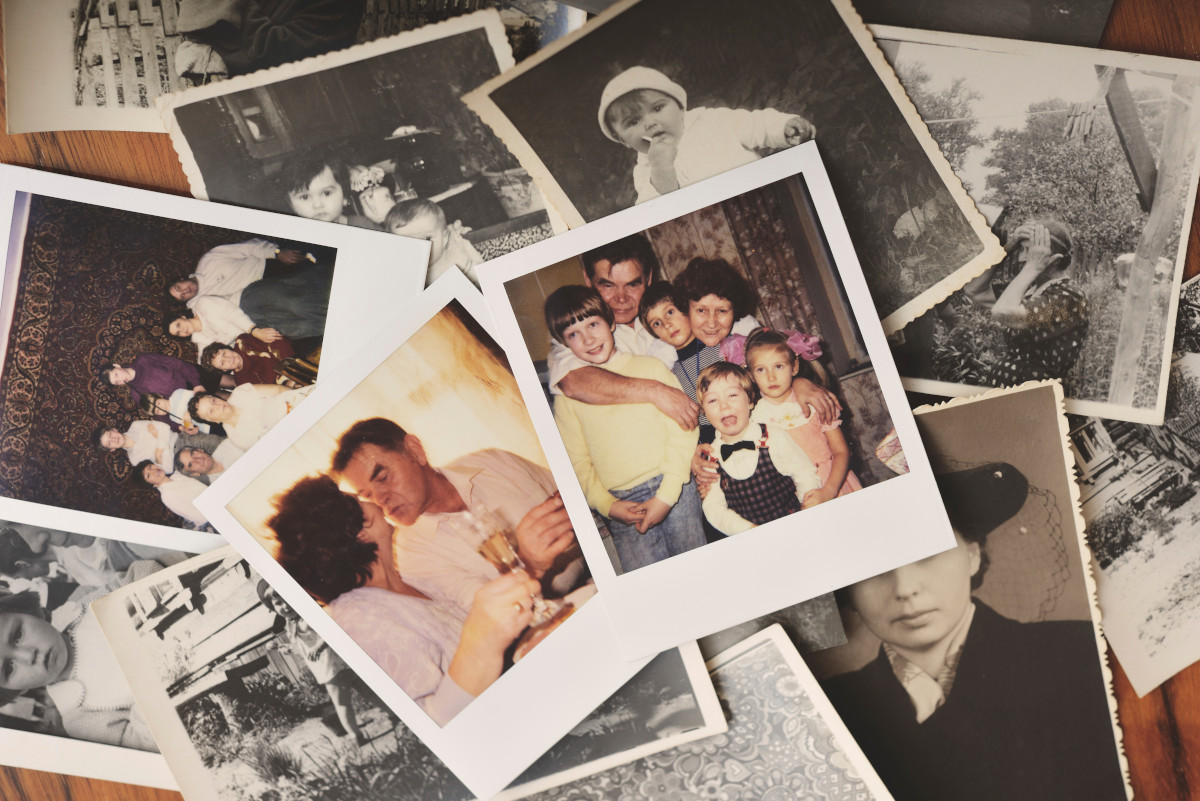
Facebook often serves as an informal family archive where relatives share memories, celebrate milestones, and maintain connections across distances. Preserving this content helps maintain family history for future generations.
Platform Security
Account security issues, platform policy changes, or technical problems can potentially affect access to your Facebook content. Personal backups provide insurance against losing years of digital memories due to circumstances beyond your control.
Types of Facebook Content Worth Saving
Personal Videos and Photos
Home videos, vacation footage, celebration recordings, and personal photo albums represent the core of most users' Facebook memory collections. These visual records of life experiences often cannot be replaced if lost.
Live Stream Recordings
Facebook Live videos capture spontaneous moments, special events, or personal broadcasts that may hold significant meaning. These real time recordings often contain authentic interactions and emotions worth preserving.
Shared Memories and Tags
Content where you are tagged by friends and family provides different perspectives on shared experiences. These external viewpoints can be valuable additions to your personal memory collection.
Using FetchMP4.com for Facebook Content
Straightforward Download Process
FetchMP4.com simplifies the process of downloading your Facebook videos by accepting video URLs and providing quick, reliable downloads. This eliminates the need for complex software installations or technical expertise.
High Quality Preservation
The platform maintains the best available video quality from Facebook while ensuring efficient download speeds. This balance helps preserve the visual fidelity of your memories without excessive wait times.
User Friendly Interface
The simple design of FetchMP4.com makes it accessible to users of all technical skill levels, ensuring that everyone can preserve their Facebook memories without technical barriers.
Systematic Backup Approaches
Chronological Organization
Start with your most recent content and work backward chronologically, or begin with your oldest memories and move forward. This systematic approach ensures comprehensive coverage and helps track backup progress.
Event Based Categorization
Organize backups around significant events, holidays, or life milestones. This creates logical groupings that make future retrieval and enjoyment of memories more meaningful and accessible.
Priority Based Selection
Identify and backup your most irreplaceable content first, then expand to include broader memory collections. This ensures that the most important memories are preserved even if time constraints limit comprehensive backup efforts.
Technical Implementation Strategies
Locating Video URLs
Learn how to find direct links to your Facebook videos through the platform's interface. This typically involves accessing video posts and copying the appropriate URLs for use with FetchMP4.com.
Quality Selection
Choose appropriate quality settings based on your storage capacity and intended use for backed up content. Higher quality files preserve more detail but require more storage space.
Batch Processing Planning
Develop efficient workflows for downloading multiple videos during dedicated backup sessions. This approach makes the process more manageable and ensures consistent progress toward comprehensive archives.
Storage and Organization Best Practices
Folder Structure Development
Create intuitive folder hierarchies that reflect how you naturally think about your memories. Consider organizing by year, event type, people involved, or geographic location to facilitate easy retrieval.
File Naming Conventions
Develop consistent naming patterns that include dates, descriptions, and relevant details. Clear file names eliminate the need to preview videos to identify content and make searching much more efficient.
Metadata Preservation
When possible, save associated information like captions, comments, and posting dates along with video files. This context adds meaning to preserved memories and helps maintain their original significance.
Privacy and Legal Considerations
Personal Content Rights
You have legitimate rights to backup content you posted to your own Facebook account. This represents normal personal archiving of your own digital property and memories.
Shared Content Etiquette
Be mindful when backing up videos that include other people. Consider privacy preferences of friends and family members who appear in your content, especially for private or sensitive moments.
Platform Policy Awareness
Stay informed about Facebook's terms of service regarding content downloads and ensure your backup activities align with acceptable use policies for personal archiving.
Memory Rediscovery and Enjoyment
Anniversary Celebrations
Use backed up content to create anniversary compilations, birthday video montages, or holiday memory collections that can be shared with family and friends during special occasions.
Personal Reflection
Archived memories provide opportunities for personal reflection on growth, changes, and life experiences. Having organized access to years of memories facilitates meaningful self reflection and gratitude practices.
Family Sharing
Create curated collections of family memories that can be shared during reunions, holidays, or milestone celebrations. This transforms digital archives into tools for strengthening family connections.
Advanced Archive Management
Duplicate Prevention
Implement systems to avoid downloading the same content multiple times. This might involve maintaining download logs or using file comparison tools to identify previously archived content.
Archive Expansion
As you become comfortable with basic backup processes, consider expanding to include photos, written posts, and other Facebook content types to create comprehensive personal archives.
Regular Maintenance
Schedule periodic reviews of your backup collection to ensure files remain accessible, storage systems function properly, and organizational structures continue to meet your needs.
Technology Evolution Adaptation
Format Future Proofing
Choose video formats and storage methods that are likely to remain accessible as technology evolves. This helps ensure long term viability of your memory archives.
Storage Redundancy
Maintain copies of important memories in multiple locations, including cloud storage, local devices, and potentially physical backup media for maximum protection against data loss.
Platform Changes
Stay informed about Facebook interface changes or policy updates that might affect your ability to access or download content, and adjust backup strategies accordingly.
Troubleshooting Common Challenges
Access Issues
If you encounter problems accessing certain videos, verify privacy settings and ensure content has not been removed or restricted. Some older content may have different accessibility due to evolving platform policies.
Download Problems
When downloads fail, check internet connectivity, verify URLs, and ensure that FetchMP4.com is functioning properly. Most issues can be resolved by retrying downloads or checking video accessibility on Facebook.
Quality Concerns
If video quality appears lower than expected, confirm that you are selecting the highest available quality options and that the original Facebook video maintains the quality you remember.
Building Sustainable Backup Habits
Regular Backup Routines
Establish monthly or quarterly backup sessions to stay current with new Facebook content. Regular habits prevent backup tasks from becoming overwhelming and ensure continuous memory preservation.
Selective Criteria
Develop personal criteria for determining which content deserves backup priority. Not every video requires preservation, so focus on content with lasting personal or family significance.
Creating Legacy Collections
Consider how your preserved Facebook memories might serve as digital legacy materials for family members. Organized, well documented archives can become valuable family history resources that provide future generations with insights into your life and experiences.
The process of backing up Facebook memories represents more than technical data management; it reflects a commitment to preserving the digital story of your life. By using reliable tools like FetchMP4.com and implementing thoughtful organization strategies, you can ensure that precious memories remain accessible and meaningful regardless of changes to social media platforms or your online presence.